E-SPA
Starting 1 January 2026, the Ministry of Housing and Local Government (KPKT) requires all eligible Sales & Purchase Agreements (SPA) to be signed online. This initiative streamlines the signing process, making it more convenient, secure, and accessible for homebuyers.
To proceed with your SPA signing, download the required application using the buttons below and follow the guided steps to complete your agreement digitally.
* Subject to changes by the Ministry of Housing and Local Government (KPKT).
* Applies to residential units under construction only.
1
Download the App




2
Complete the eKYC
SCAN your MyKad
VERIFY your information
PERFORM live facial detection
PROCEED to facial verification
3
Get Verified
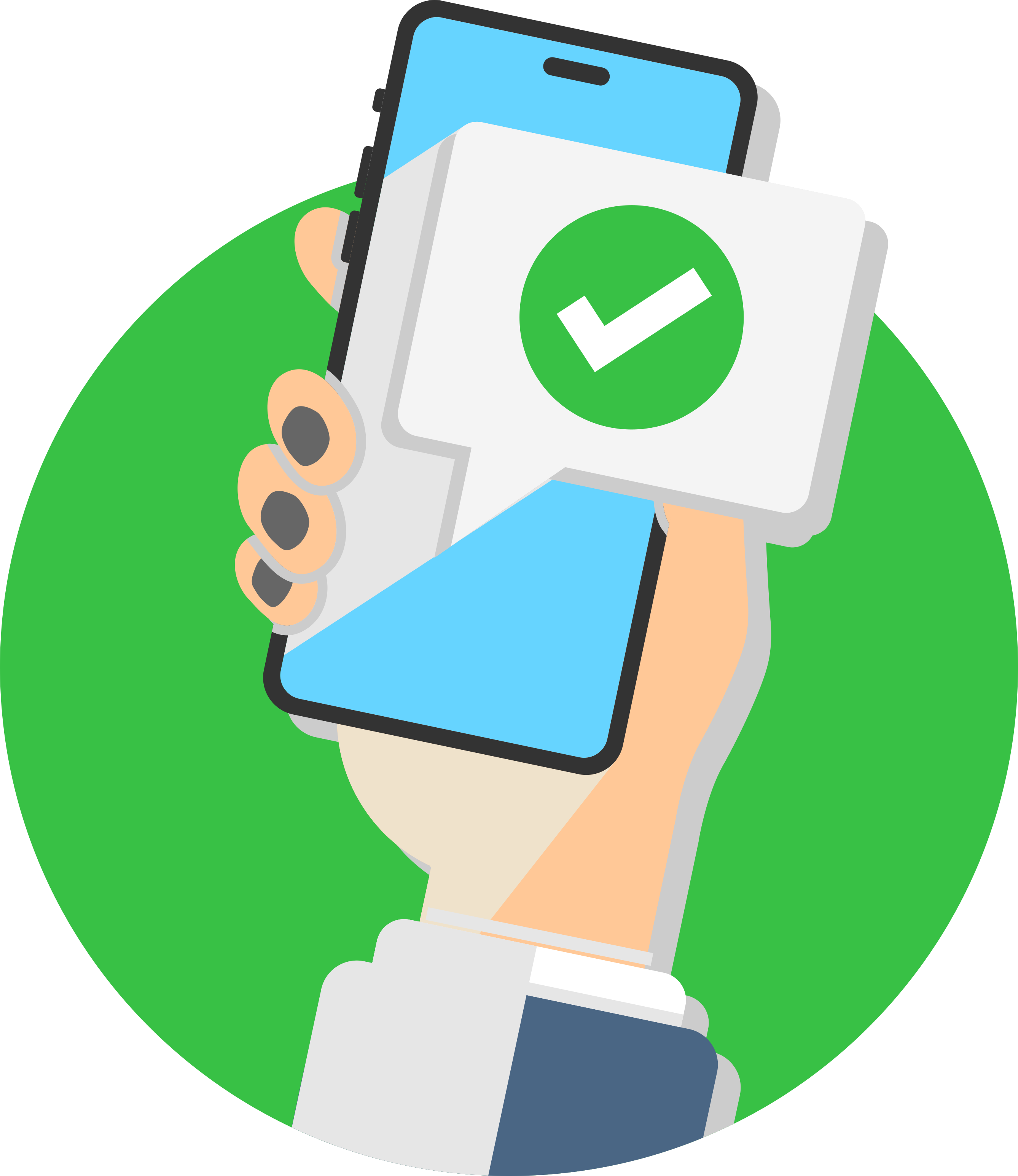
Receive your digital ID in
iDsaya
1. What is eSPA?
eSPA is an Electronic Sale and Purchase Agreement — a digital version of the traditional SPA that is completed and signed online through the KPKT HIMS system, eliminating the need for physical documents.
*The eSPA applies to ONLY residential that is still under construction that is governed by the HDA (Housing Development Act)
2. What is HIMS?
HIMS stands for Housing Integrated Management System. It is a platform developed by KPKT (Ministry of Housing and Local Government) to manage all housing-related documents, including the online signing of Sale and Purchase Agreements (SPA).
3. Why do I need to sign through HIMS?
Starting 1 January 2026, KPKT requires all developers to prepare and sign SPAs digitally through the HIMS system.
This makes your signing process faster, safer, and eco-friendly – no more paper documents needed!
* The effective date is subject to change by KPKT.
4. Is eSPA legal?
Yes. eSPA is approved by KPKT and has the same legal effect as the printed SPA.
5. What do I need before I can sign the eSPA?
You need to:
- Install the iDSaya app (from Apple App Store, Google Play Store or Huawei App Gallery)
- Verify your identity (eKYC) in the app
- Confirm your details (name, IC, email, phone, unit info) with the developer
- Make sure your loan offer (if applicable) is ready
6. What is iDSaya?
iDSaya is the official government digital ID app used to verify your identity before signing the eSPA online.
7. How do I sign the eSPA?
*For purchasers of LBS Bina Group, the assigned solicitor will need to be presence for the signing of the eSPA to guide the purchasers on the process. You may contact your assigned solicitor to guide you through the signing process.
- You’ll receive an email from HIMS
- Click the link provided in the email and sign within 48 hours
- Check your eSPA details
- Follow the instructions in the email to sign digitally
- The eSPA will be stamped once all parties have completed the signing
8. Can I still sign on paper?
No. All SPAs dated 1 January 2026 onwards must be prepared, signed, and stamped digitally through HIMS.
You will receive a PDF copy for your records, while a physical copy of the executed SPA will be provided by your lawyer.
9. Is my data safe?
Yes. HIMS is managed by KPKT and complies with government security standards.Your personal information is protected and used only for housing-related purposes.
10. When should I install the iDSaya and complete the eKYC?
Install the iDSaya app and complete the eKYC right after you have successfully booked a unit with LBS Bina Group.
Please contact your Relationship Associate for guidance on the process.
11. What should I do if I encounter issues with my iDSaya?
Please contact:
- iDSaya Helpdesk: [email protected] or call 03-8800 8008
- Email : [email protected]
12. For Foreigners or Individuals Without a Malaysian Mobile Number
If you are unable to register due to not having a Malaysian number or being a disabled individual, you will need to submit a manual application through the Post Digicert Helpdesk by emailing [email protected] with the following documents:
- Fill up individual application form
- A copy of MyKad/Passport
The Developer may assist in submitting the application on behalf of the Purchaser.
The iDSaya team will then review and manually verify your identity.